


Companies want Salesforce and NetSuite to talk to each other. They just don’t want to hire developers, wait three months, or maintain fragile custom code. Traditional integration projects turn into expensive consulting engagements. Budgets blow up. Timelines slip. The business moves on while IT is still mapping fields.
There’s a shift happening. No-code automation tools let business teams connect systems themselves. Fast setup matters more than perfect customization. This list focuses on tools that get you running in days, not months, without requiring developers to manage the connection.
Why Traditional Integrations Slow Teams Down
Custom integrations start with good intentions. Someone writes scripts to sync opportunities from Salesforce to NetSuite. It works for a while. Then NetSuite updates its API. The scripts break. The developer who wrote them left six months ago. Now you’re stuck.
Even when custom integrations survive, they create dependency. Every change requires developer time. New fields need mapping. New workflows need coding. What should take hours takes weeks because dev teams have other priorities. According to our data, organizations that switch to no-code integration tools cut deployment time from months to days and eliminate ongoing maintenance backlogs.
Top No-Code Salesforce NetSuite Integration Tools
The four tools below let business users connect Salesforce and NetSuite without writing code. We evaluated them on setup time, actual no-code capabilities, and automation features that reduce ongoing work.
1. Peeklogic Connector
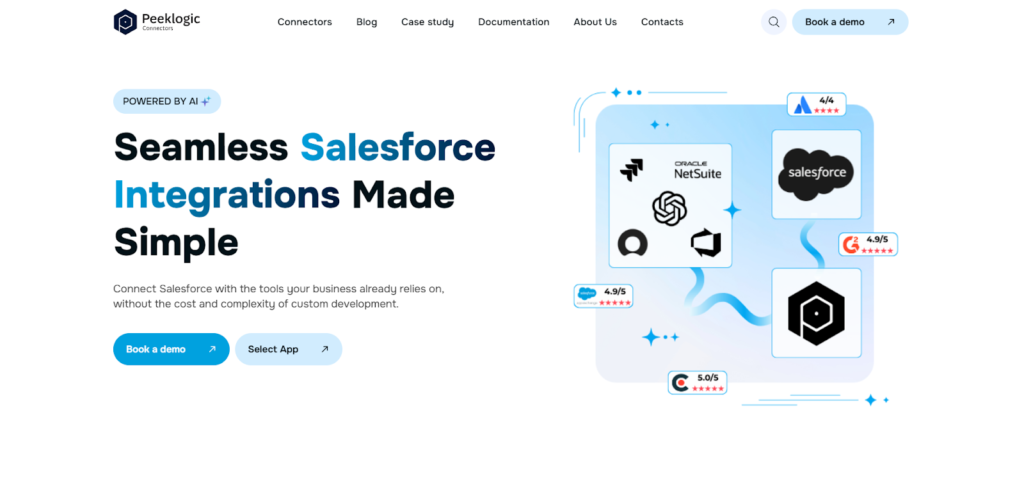
Peeklogic started as a Salesforce consulting partner and built their connector product to solve problems they kept seeing. Clients wanted Salesforce and NetSuite connected without expensive custom development. The product focuses on letting business teams configure the integration themselves. Their Salesforce NetSuite Connector allows teams to set up real-time synchronization without writing custom code.
Capabilities and Key Features
The connector handles field mapping, sync rules, and automation through a UI. Business users can set it up without developer involvement. Real-time sync means when sales closes a deal, finance sees it immediately. The platform uses AI to help with initial mapping, which speeds up configuration. Key features that enable fast, no-code integration include:
- No-code configuration with UI-based field mapping;
- Real-time bidirectional synchronization;
- AI-powered automation for workflow execution;
- Flexible customization without development;
- Setup completed in under 30 minutes.
This combination means finance teams aren’t waiting for IT to prioritize their integration requests. Sales and finance stay aligned without creating maintenance work for developers.
Best Use Cases
Startups and fast-scaling companies get value from deployment speed. Teams without dedicated integration resources appreciate the no-code approach. Organizations that need to move quickly, like SaaS companies with subscription billing, benefit from real-time sync between sales and finance.
2. Exalate
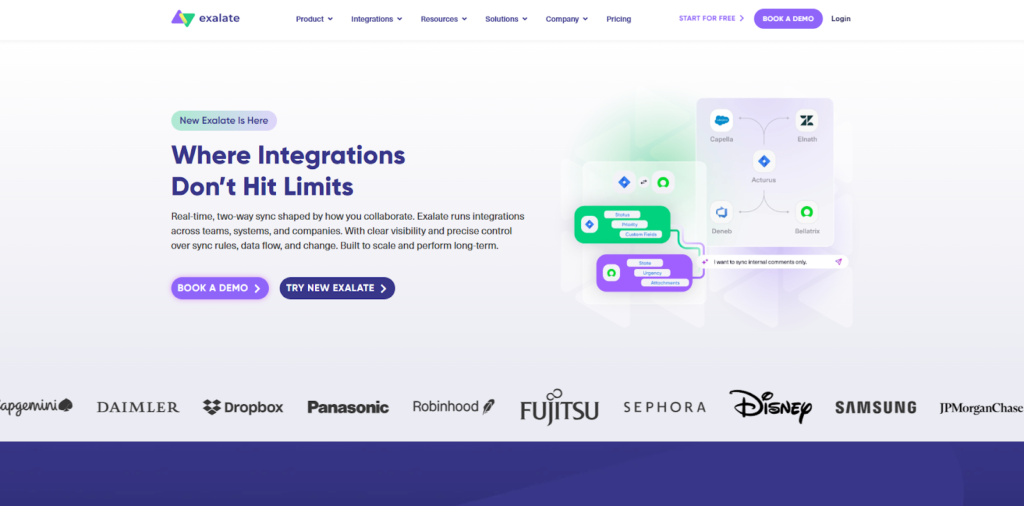
Exalate sits at the other end of the spectrum. It’s not truly no-code. Configuration happens through Groovy scripts. But they’ve added AI assistance that generates scripts from natural language descriptions, which moves it closer to no-code for basic use cases. Complex scenarios still need technical expertise.
The decentralized model sets Exalate apart. Each system decides what to share. This matters for organizations with strict data governance. Key capabilities include:
- Script-based configuration using Groovy;
- Advanced customization capabilities;
- Decentralized synchronization model;
- AI-assisted script generation;
- Suitable for complex use cases.
Exalate isn’t for fast deployment or business-user configuration. But for organizations that need granular control and have developers available, it delivers flexibility that no-code tools can’t match.
3. Sinergify
Sinergify offers workflow-based automation across business systems. Their platform connects Salesforce and NetSuite with no-code and low-code configuration options. You can build workflows that trigger based on events in either system, moving data and updating records automatically.
The platform handles custom data mapping and supports multiple integrations beyond just these two. For organizations that need sales-finance alignment as part of broader automation initiatives, this provides flexibility without requiring developers.
Key capabilities include:
- Workflow-based automation across systems;
- No-code and low-code configuration options;
- Integration with enterprise platforms;
- Customizable data mapping;
- Scalable architecture.
Sinergify works well for organizations that view sales-finance alignment as one piece of broader operational automation and want to configure it themselves.
4. Workato
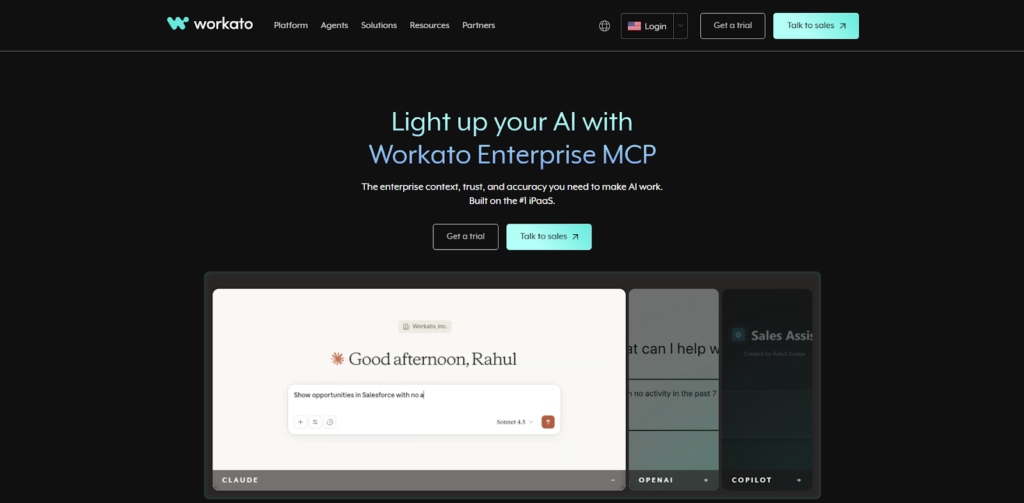
Workato operates as an iPaaS platform with no-code automation at its core. Their pre-built connectors for Salesforce and NetSuite let you build integrations visually. You drag, drop, and configure without writing code. Event-based triggers handle automation, so when something happens in one system, the other updates automatically.
The platform scales across multiple integrations. If you need to connect other systems beyond sales and finance, Workato provides a foundation. Error handling and monitoring tools help business teams troubleshoot issues without developer support.
Key capabilities include:
- iPaaS platform with no-code automation;
- Pre-built connectors for Salesforce and NetSuite;
- Visual workflow builder;
- Event-based automation triggers;
- Scalable cloud infrastructure.
Workato fits organizations planning to automate multiple business processes across several systems, not just Salesforce and NetSuite.
What to Look for in No-Code Integration Tools
Not every tool that claims “no-code” actually delivers. Some require technical knowledge to configure advanced workflows. Others handle basic sync but break when you need customization. According to our analysts, the label matters less than what you can actually do with the tool. When evaluating no-code tools, pay attention to:
- Whether the setup truly requires no developer involvement for your specific use case;
- Speed of deployment and onboarding from purchase to production;
- Flexibility of field mapping and workflows when you need to customize;
- Automation capabilities across systems without manual triggers;
- Long-term maintenance requirements when APIs change or business needs evolve.
Start with what your team can actually manage. A tool that requires developer time you don’t have won’t work regardless of its no-code label. A tool that can’t handle your specific fields will create manual workarounds.
Final Thoughts
No-code integration tools change who can connect systems. Business teams don’t have to wait for developers. Finance doesn’t have to beg IT for field mappings. The tools above each take different approaches. Peeklogic offers fast deployment with real-time sync and AI assistance. Exalate provides flexibility at the cost of complexity. Sinergify fits broader automation strategies. Workato serves as a foundation for multiple integrations.
Choose based on how quickly you need it running and who will manage it. According to our data, the best no-code tool is the one your business users can actually use without calling for help.